
Beehiiv Setup Guide
Connect your Beehiiv account using an API key from your workspace settings
Overview
How Beehiiv Integration Works
Beehiiv uses API key authentication to connect your account. You'll need to generate an API key from your Beehiiv workspace settings and enter it into our platform. This gives us secure access to your publications and subscriber data.
Step-by-Step Instructions
Access Beehiiv Workspace Settings
Navigate to your workspace API settings in Beehiiv
Log into your Beehiiv account and go to your workspace settings to find the API section.
Click the button below to go directly to your Beehiiv API settings page.
Open Beehiiv API Settings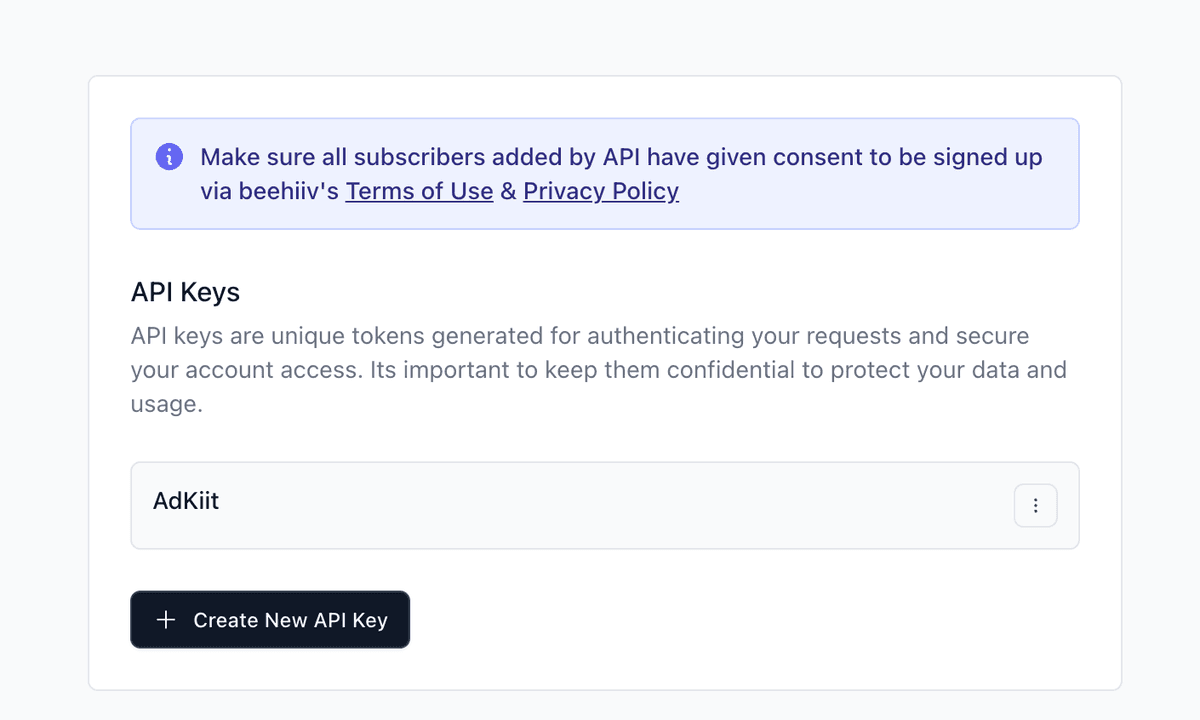
Beehiiv workspace settings showing API section
Generate New API Key
Create a new API key for our attribution tracking service
In the API section, click "Generate New API Key" to create a new key specifically for our service.
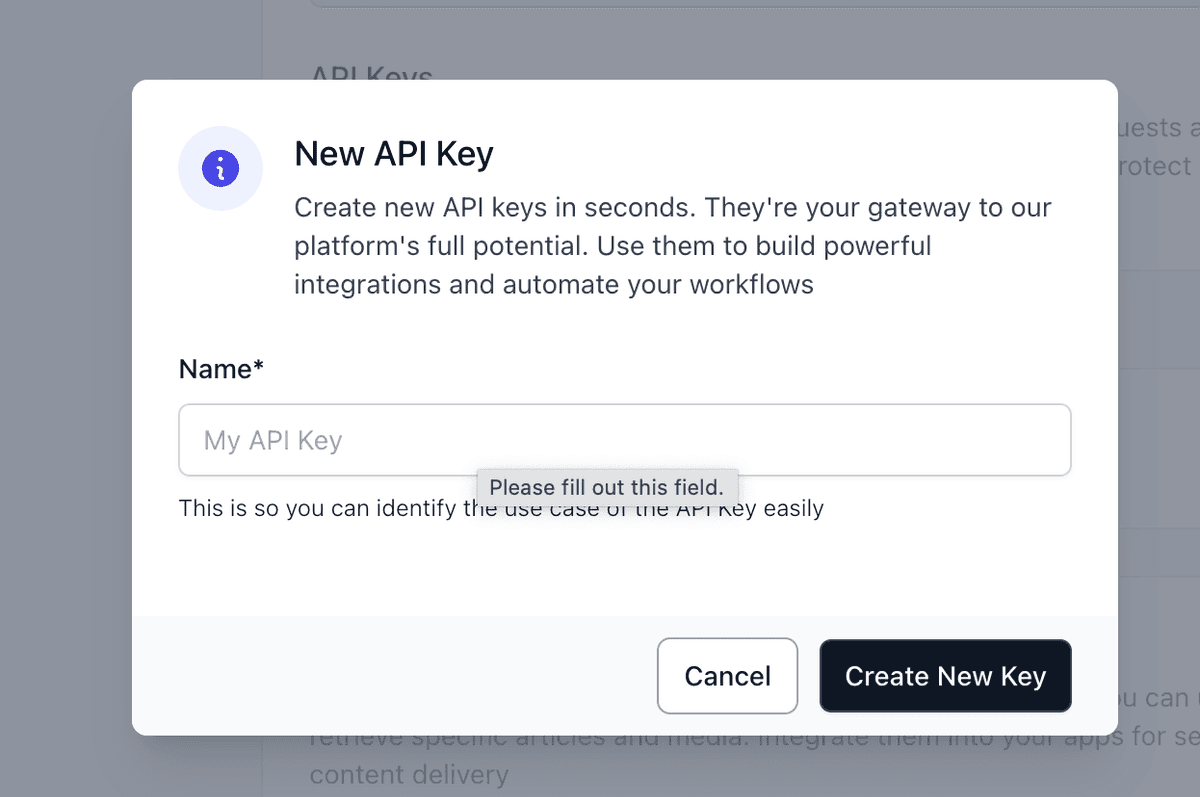
API key generation form in Beehiiv
Copy Your API Key
Save the generated API key securely for the next step
Once generated, copy the API key. You'll need to paste this into our platform in the next step.
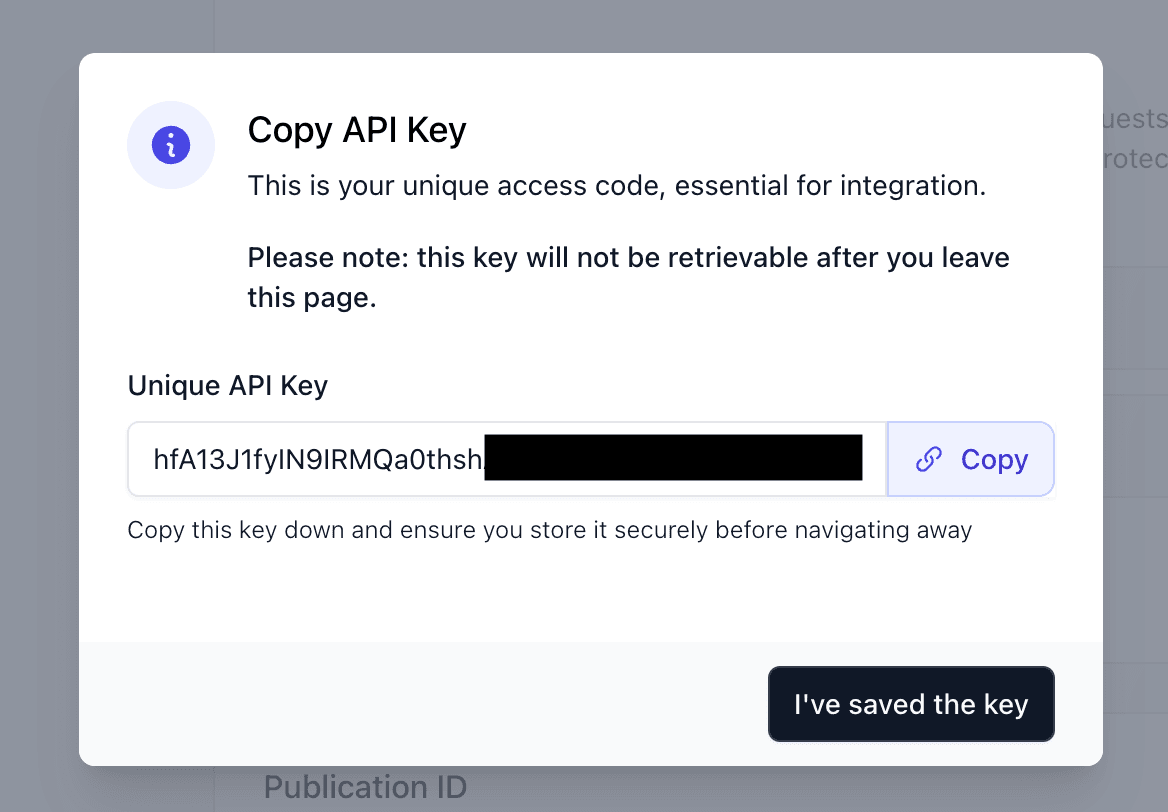
Generated API key ready to copy
Connect to Our Platform
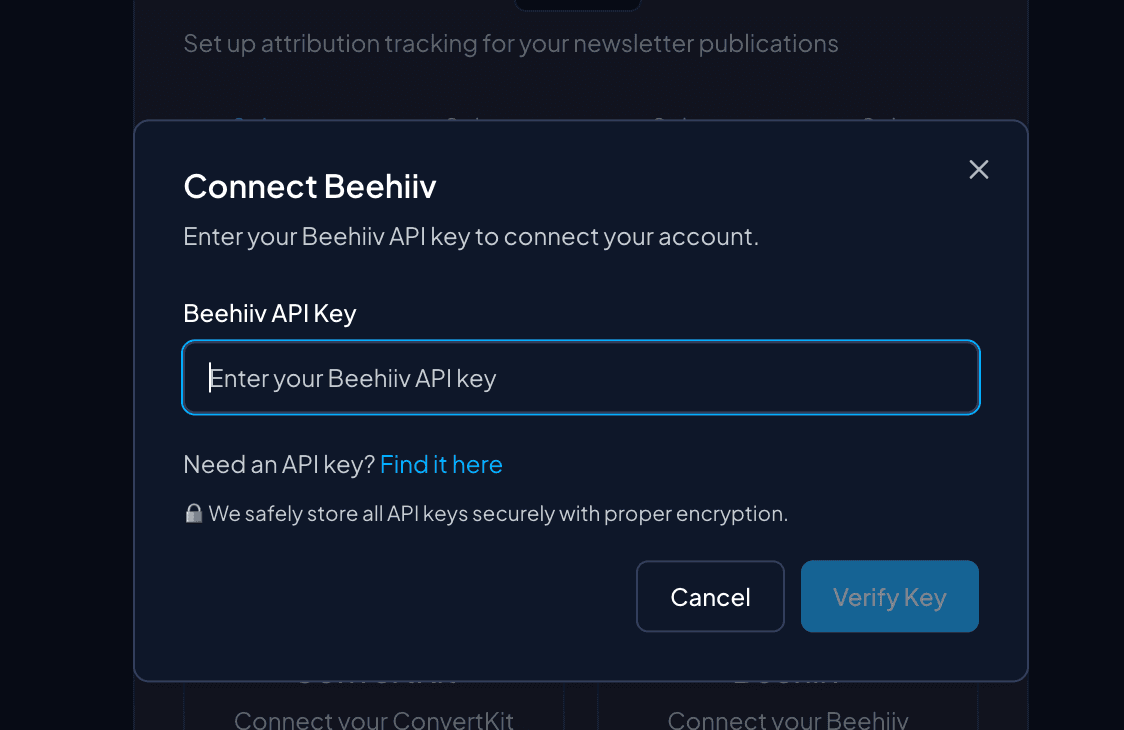
Enter your API key in our setup flow
Now go to our platform's setup flow and enter your Beehiiv API key when prompted during the connection step.
Start the setup flow and select Beehiiv as your newsletter platform.
Start Setup Flow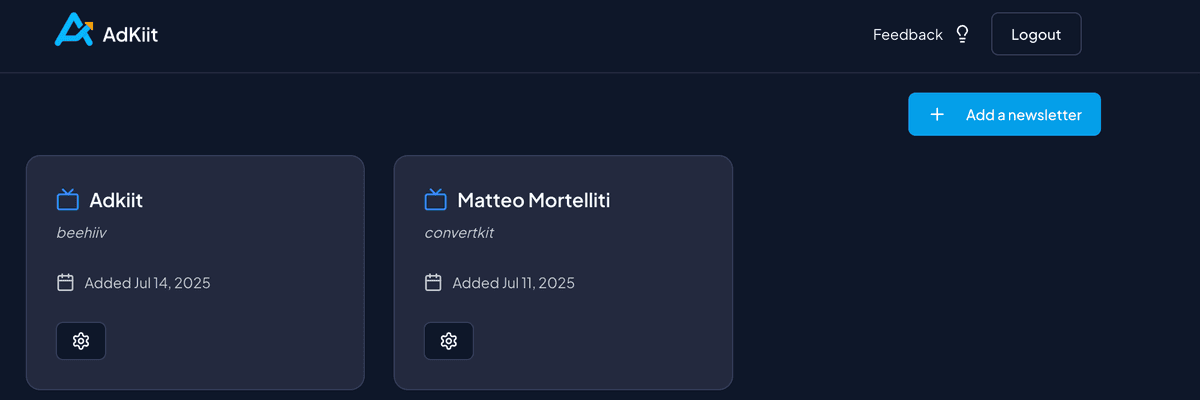
API key input form in our platform
Verify Connection
We'll verify your API key and fetch your publications
Our platform will verify your API key and automatically fetch your available publications.
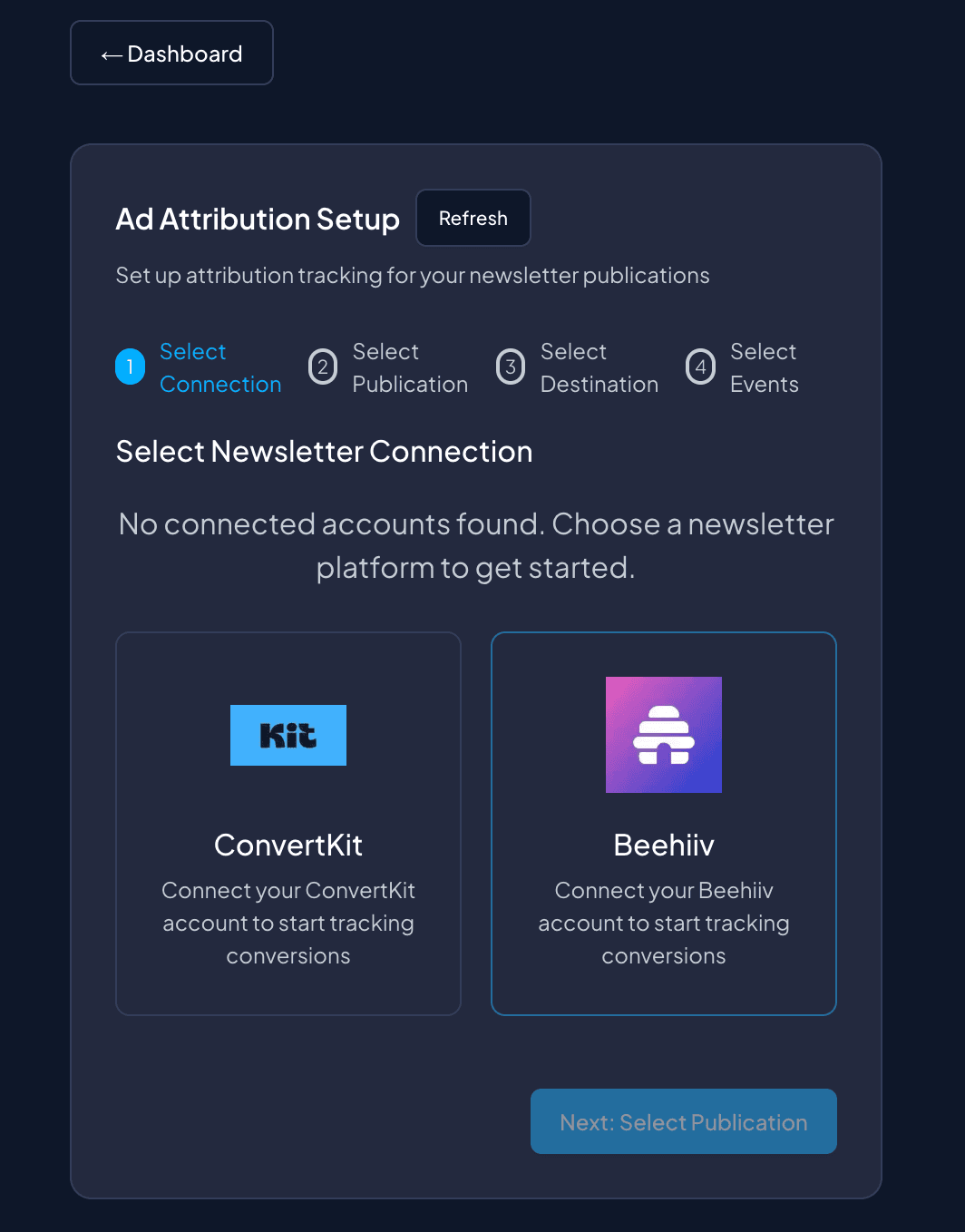
Successful connection verification
Connection Complete!
Your Beehiiv account is now connected
Your Beehiiv connection is now active! You can proceed to select your publication and configure your advertising destinations.
Beehiiv successfully connected in our platform
Next Steps
Beehiiv Connected Successfully!
Now that your Beehiiv account is connected, you can:
Beehiiv Events
 Webhook Events Available
Once connected, you can track these Beehiiv events:
Troubleshooting
Common Issues
API key not working?
Make sure you copied the complete API key. It should start with letters and numbers.
Can't find API settings?
Use the direct link above or navigate to Settings > Workspace > API in your Beehiiv dashboard.
No publications found?
Make sure you have at least one publication in your Beehiiv account.
Need to regenerate API key?
Go to your Beehiiv API settings, delete the old key, and generate a new one.