
Kit Setup Guide
Connect your Kit account using OAuth authentication via the app store
Overview
How Kit Integration Works
Kit uses OAuth 2.0 authentication through their app marketplace. You'll install our "AdKiit" app from the Kit app store, which gives us secure access to your account without sharing any passwords or API keys. Once you have connected your Kit account, you will be able to add unlimited publications. When you add a publication, AdKiit will automatically create setup a webhook to track server side conversions.
What's the difference between GTM and Webhook Events?
AdKiit captures subscription events in two ways:
GTM Script (Client-Side):Runs in the subscriber's browser via Google Tag Manager, firing as soon as someone signs up. Because it relies on the browser, these events can sometimes be blocked by ad blockers or privacy settings.
Webhooks (Server-Side): Created automatically when you add a new newsletter. They send subscription events directly from your email platform to AdKiit, ensuring events are captured even if the client-side script was blocked.
Using both together ensures subscriptions are tracked as quickly as possible (via GTM) and as reliably as possible (via webhooks).
Step-by-Step Instructions
Access Kit App Store
Find and install the AdKiit app from Kit's marketplace
Click the button below to go directly to the AdKiit app installation page.
Install AdKiit AppClick the 'Grant access to AdKiit' button
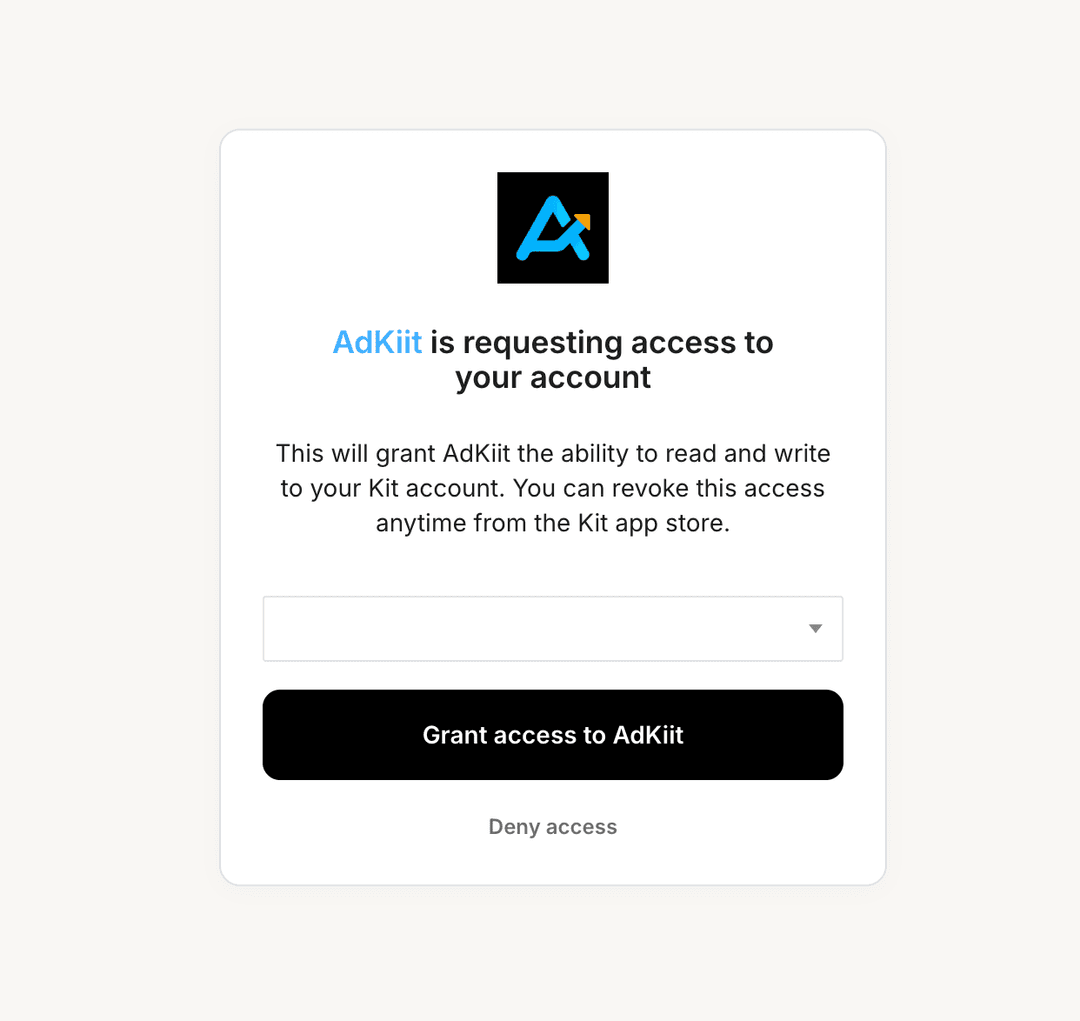
Install AdKiit App
Click "Install" to add AdKiit to your Kit account
Once you find the AdKiit app in the marketplace, click the "Install" button. This will redirect you to the authorization page.
Click Install & Authorize
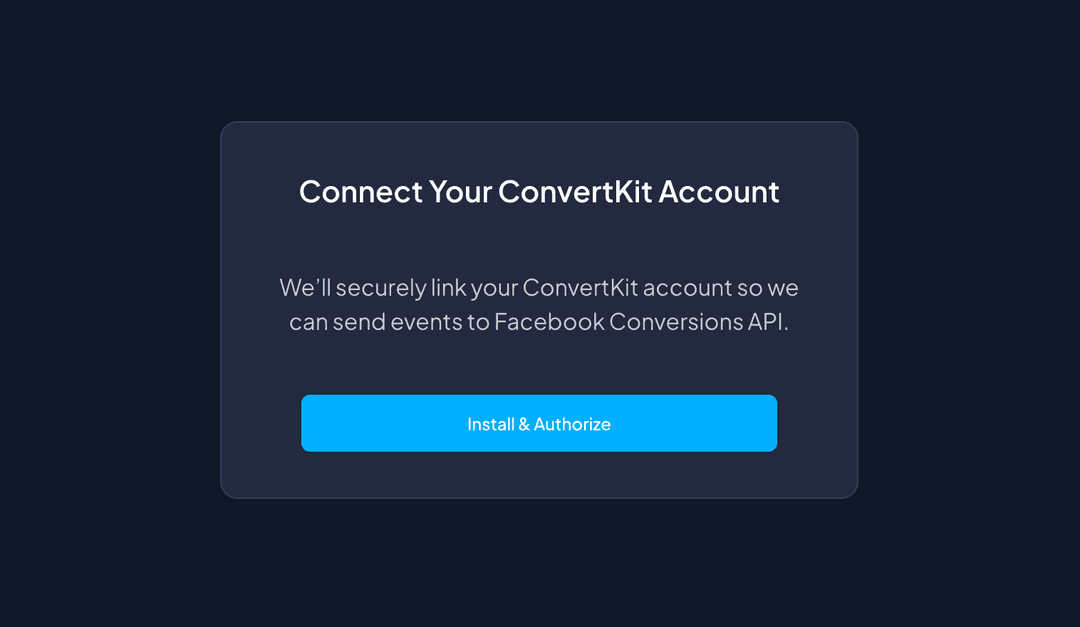
Connection Complete!
Your Kit account is now connected
After authorization, you'll be redirected back to our platform. Your Kit connection will appear in the setup flow, and you can proceed to select your publication and configure your advertising destinations.
When you connect your Kit account, you will be able to add unlimited publications. When you add a publication, AdKiit will automatically create setup a webhook to track conversions.
Next Steps
Kit Connected Successfully!
Now that your Kit account is connected, you can:
Troubleshooting
Common Issues
Can't find AdKiit in the app store?
Use the direct link above or search for "AdKiit" in the Kit app marketplace.
Authorization failed?
Make sure you're logged into the correct Kit account and try again.
Need to reconnect?
Go to your Kit Apps settings, remove AdKiit, then install it again.